Shopify Customer Experience Metrics: 5 to Track
Track the Shopify customer experience metrics that reveal post-purchase friction, support load, return pain, and retention risk.
Shopify customer experience metrics tell you whether buyers feel taken care of after checkout. Most stores track conversion rate, average order value, and revenue because those numbers are easy to find. The harder part is measuring the moments that create repeat customers: delivery updates, support quality, return friction, and whether customers come back without another discount.
If you only watch sales, you find problems late. A rising ticket queue, confusing return flow, or weak tracking page can quietly damage trust for weeks before revenue drops. Here are the metrics I would track first, plus a simple way to turn them into a weekly scorecard.

Why Shopify customer experience metrics matter after checkout
The customer experience does not stop when the order is paid for. For Shopify stores, the highest-anxiety moments usually happen after checkout: "Did my order ship?", "When will it arrive?", "Can I return this?", "Why has support not replied?"
That is why generic ecommerce metrics are not enough. Conversion rate tells you how well the store sells. It does not tell you whether a buyer trusts you enough to order again.
Shopify's own customer experience guidance points to broad metrics like CSAT, CES, NPS, CLV, and time to resolution. Those are useful, but most small teams need a tighter set. You want metrics that connect directly to work your team can fix this week.
Start with these five:
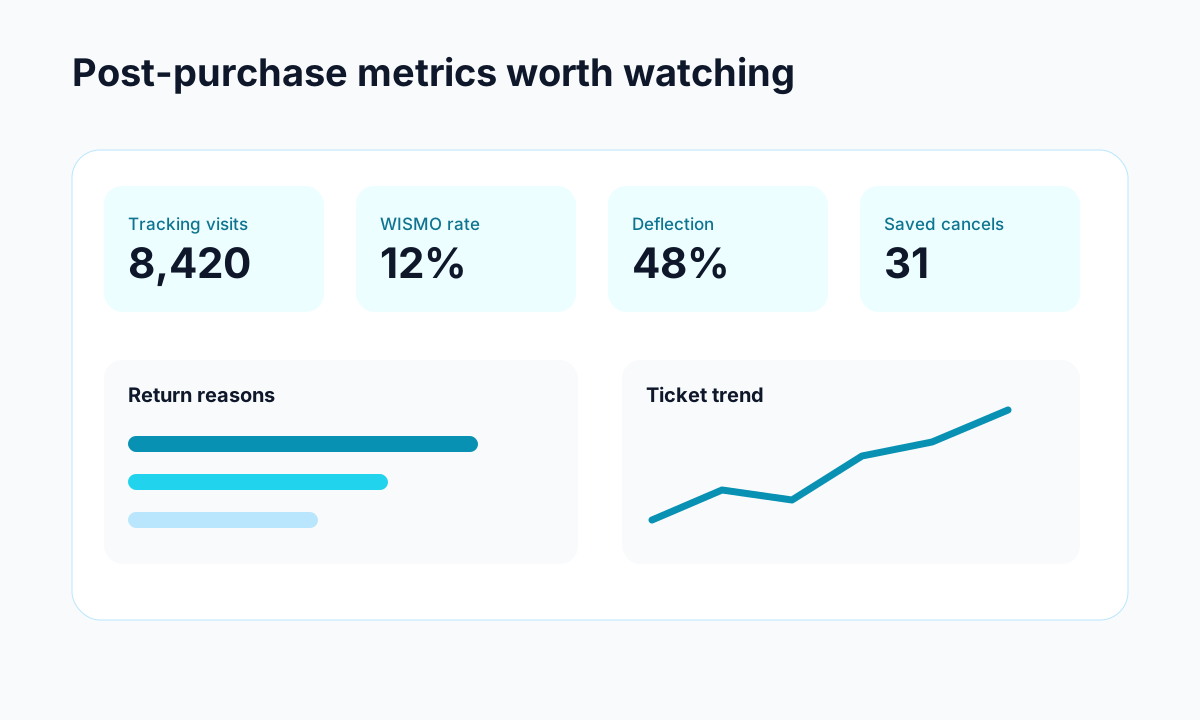
- WISMO ticket rate: how many "where is my order" tickets you get per 100 orders.
- Tracking page visit rate: how often customers check delivery status without asking support.
- First response time: how long customers wait for the first human or assisted reply.
- Return customer effort score: how easy the return process feels.
- Repeat purchase rate: how many customers buy again within a defined window.
Together, these Shopify customer experience metrics show whether your post-purchase flow is reducing anxiety or creating more work.
The Shopify customer experience metrics worth tracking first
Do not build a 40-metric dashboard. It will look impressive and sit ignored. Pick a few numbers that describe the journey from checkout to second purchase.
1. WISMO ticket rate
WISMO means "where is my order." It is one of the clearest signs that your post-purchase communication is not doing its job. Calculate it like this:
WISMO ticket rate = WISMO tickets / total orders x 100
If you shipped 1,000 orders and received 80 WISMO tickets, your rate is 8%. The goal is not zero, because delays and carrier issues happen. The goal is a steady decline as your tracking page, shipping emails, and delivery estimates improve.
This metric pairs well with what WISMO means for Shopify stores and why it becomes expensive at scale.
2. Tracking page visit rate
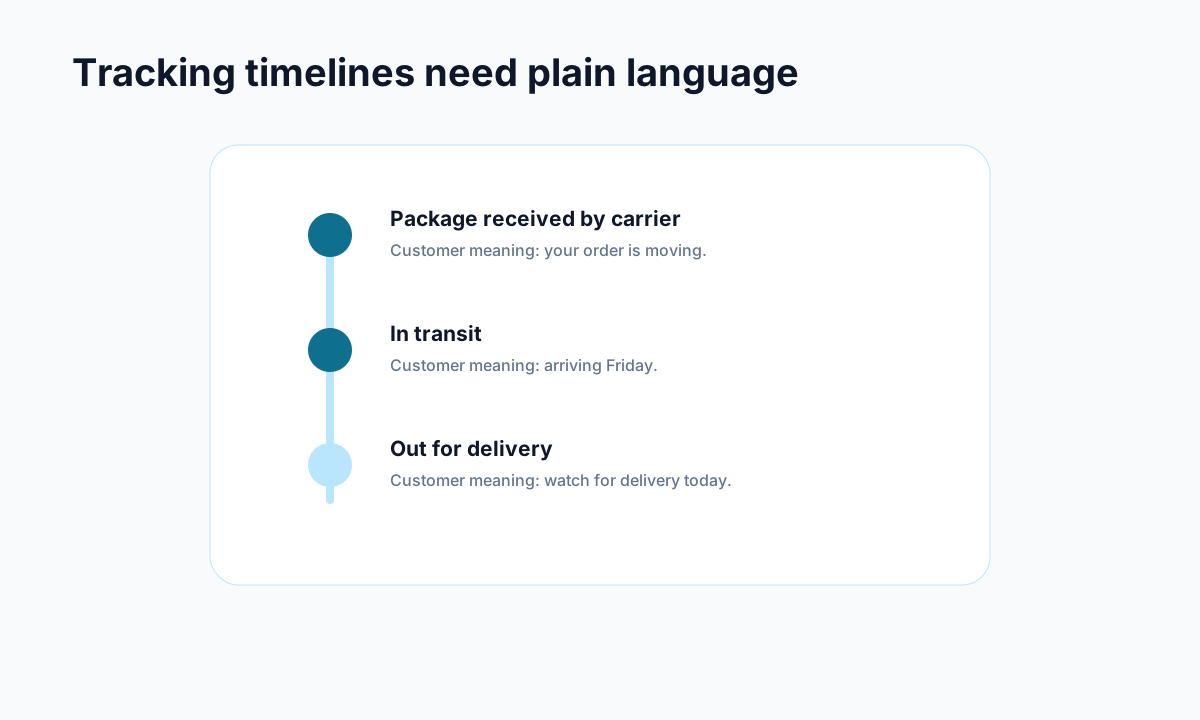
A good branded tracking page turns anxious customers into self-serve customers. Track how many customers visit the tracking page after fulfillment and how many support tickets come from those same orders.
High tracking visits are not automatically bad. Customers check orders multiple times, especially around delivery. The problem is when tracking visits and WISMO tickets both rise. That usually means the page does not answer the real question, such as a stale carrier update, missing delivery estimate, or unclear delay message.
For more detail, see Trexa's guide to branded order tracking pages.
3. First response time
First response time measures how quickly your team acknowledges a customer issue. It matters because silence makes small problems feel bigger.
Track this separately for order tracking, returns, cancellations, damaged items, and general questions. A single average hides the truth. You might respond to simple questions in two hours, while return requests wait two days.
Shopify's customer service metrics guide also highlights response and resolution metrics as core support reporting inputs. That makes sense, but response time is only half the story. A fast reply that says nothing useful still creates a poor experience.
4. Return customer effort score
Customer effort score, or CES, asks how easy it was to complete a task. For Shopify stores, returns are the obvious place to use it.
Ask a simple question after the return request is complete:
How easy was it to request your return today?
Use a 1 to 5 scale. Then read the low-score comments every week. You will usually find fixable friction: unclear eligibility rules, too many form fields, slow approval, missing label instructions, or customers not knowing whether they should expect store credit, exchange, or refund.
This metric is more useful than a generic satisfaction survey because it points to a specific workflow.
5. Repeat purchase rate
Repeat purchase rate is the bridge between support quality and revenue. If customers get clear updates, easy returns, and fast help, they are more likely to come back.
Use a defined window, such as 60, 90, or 180 days, based on your product category. Coffee, supplements, and cosmetics may use shorter windows. Apparel, accessories, and home goods may need longer ones.
The important part is segmentation. Compare repeat purchase rate for customers who had no support issue, customers who used tracking, customers who requested a return, and customers who had a delayed order. That shows which parts of the customer experience are hurting retention.
How to build a weekly customer experience scorecard
Once you choose the metrics, put them in a weekly scorecard. Keep it boring. Boring scorecards get used.
Your scorecard should include:
- The metric name
- This week's value
- Last week's value
- Target
- Owner
- One action for next week
Here is a practical version:
Do not review this only with support. Post-purchase experience cuts across operations, marketing, fulfillment, and customer service. If WISMO tickets are high, the fix might be better shipping emails. If return effort is poor, the fix might be policy clarity. If repeat purchase rate drops after delays, the fix might be proactive messaging or a small make-good offer. For checkout issues, Baymard's cart abandonment research is a useful benchmark for how much friction still exists before the post-purchase flow begins.
The point is to assign ownership. A metric without an owner becomes background noise.
What good Shopify customer experience metrics reveal
The best Shopify customer experience metrics help you spot patterns early. They do not just describe what happened. They tell you where to look next.
For example:
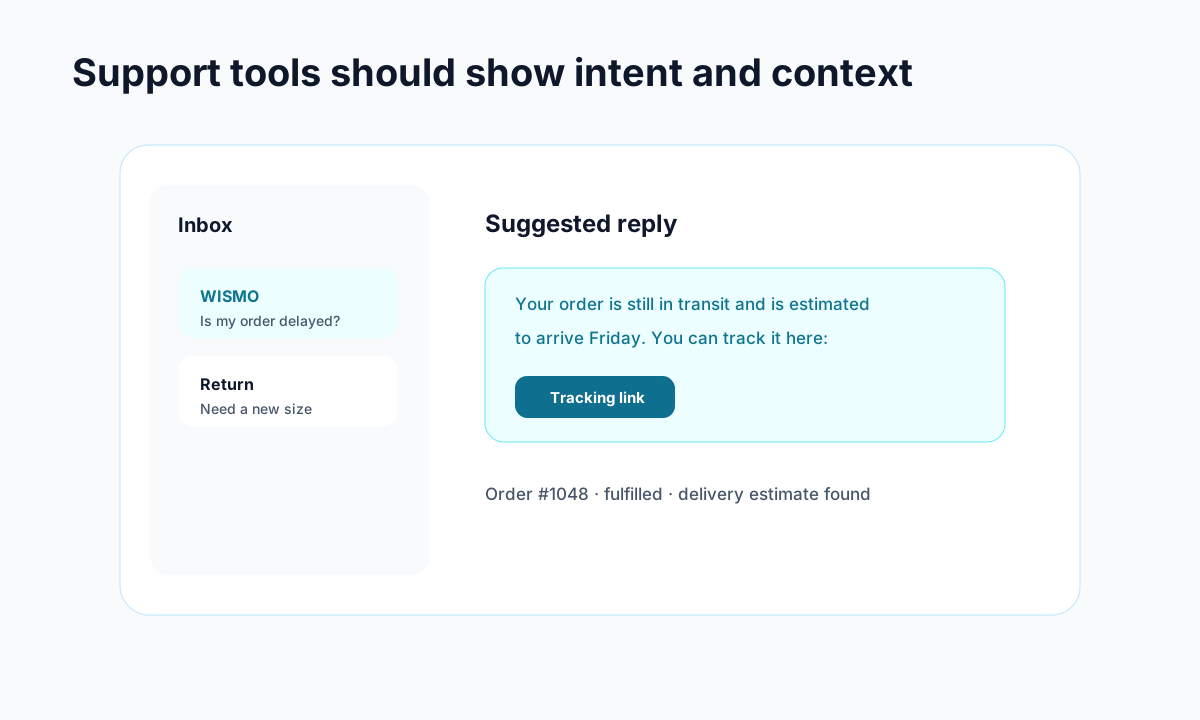
- WISMO ticket rate rises, but tracking page visits stay flat. Customers may not know the tracking page exists.
- Tracking visits rise, and WISMO tickets rise too. The tracking page may be missing useful context.
- Return effort score drops after a policy change. The policy may be clearer to your team but harder for customers.
- First response time improves, but CSAT drops. Replies may be faster but less helpful.
- Repeat purchase rate is lower for delayed orders. Delivery communication needs work before the next shipment issue.
This is where tools like Trexa can help. A self-serve tracking page, assisted returns, cancellation workflows, and support analytics give you cleaner post-purchase signals without forcing customers to open a ticket for every question.
A simple 30-day plan
If you are starting from scratch, do not try to instrument everything at once.
Week 1: tag your support tickets. Create simple categories for WISMO, returns, cancellations, damaged items, address changes, and product questions.
Week 2: measure your baseline. Pull total orders, ticket count by category, first response time, and tracking page visits if you have them.
Week 3: fix one high-volume issue. If WISMO is the top category, improve tracking emails and the tracking page. If returns are the top category, simplify the return request flow.
Week 4: compare before and after. Look at ticket rate, response time, and customer comments. Keep what worked, then pick the next bottleneck.
You do not need a perfect analytics setup to start. You need enough signal to stop guessing.
Bottom line
The right Shopify customer experience metrics show whether your store is easy to buy from after the sale, not just before it. Start with WISMO ticket rate, tracking page visits, first response time, return effort, and repeat purchase rate. Review them weekly, assign owners, and tie every metric to a real customer workflow.
When those numbers improve, support gets lighter and customers feel less abandoned after checkout. That is the part of ecommerce most stores underinvest in, which is exactly why it can become an advantage.
Ready to reduce your support tickets?
Trexa gives your Shopify store AI-powered order tracking, automated support, and self-serve returns. Start free with 10 orders/month.
Start FreeExplore related Trexa pages