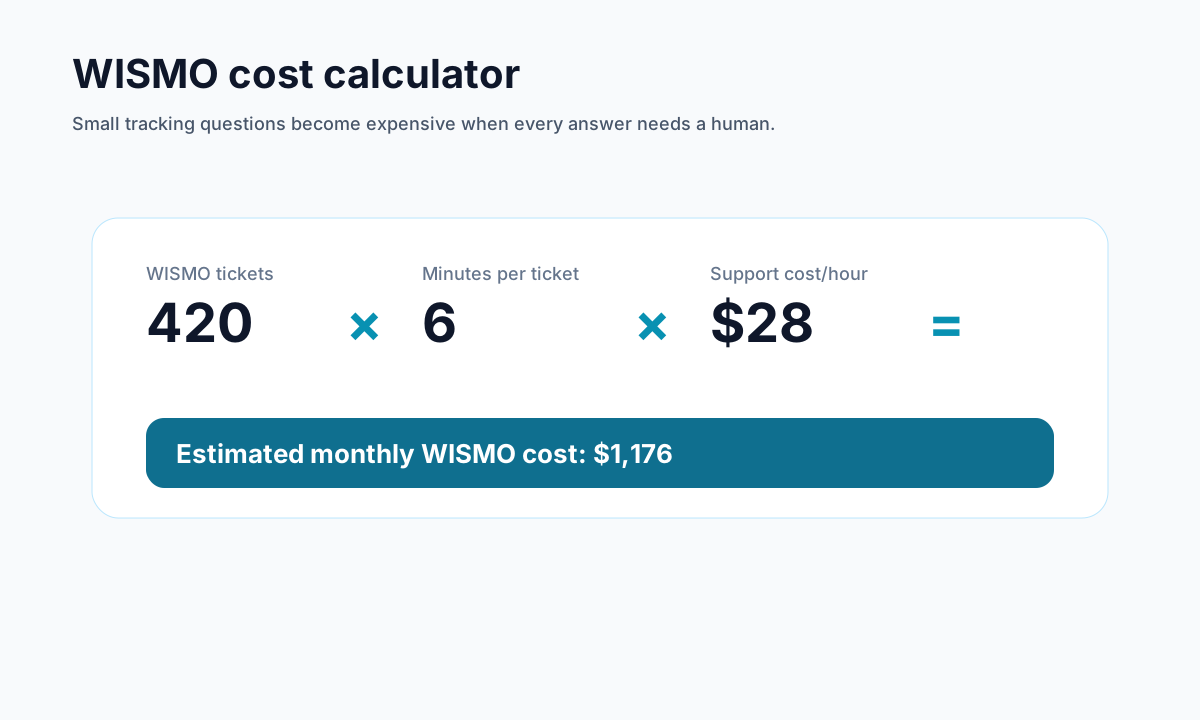
How to Reduce WISMO Tickets in Shopify Without Hiring More Agents
Learn how to reduce WISMO tickets in Shopify with branded tracking, AI support, and better post-purchase self-service.
How to Reduce WISMO Tickets in Shopify Without Hiring More Agents
If your Shopify support inbox is full of customers asking where their order is, you do not have a staffing problem first. You have a post-purchase visibility problem.
WISMO tickets usually show up because customers cannot quickly answer three questions on their own:
- Where is my order?
- When will it arrive?
- What can I do next if something changes?
The usual reaction is to hire more agents or accept slower response times. The smarter move is to remove the need for those repetitive tickets in the first place.
<!-- trexa-visual-elements:start -->Visual guide: WISMO reduction levers
WISMO reduction usually comes from three changes: clearer tracking, proactive updates, and self-serve answers.
| WISMO cause | Fix | Metric |
|---|---|---|
| Unclear delivery status | Plain-language branded tracking. | Tracking page visits |
| No proactive update | Delay and exception emails. | WISMO ticket rate |
| No self-serve help | AI assistant and policy-aware next steps. | Ticket deflection |
Why WISMO tickets keep happening
<!-- trexa-section-visual:support -->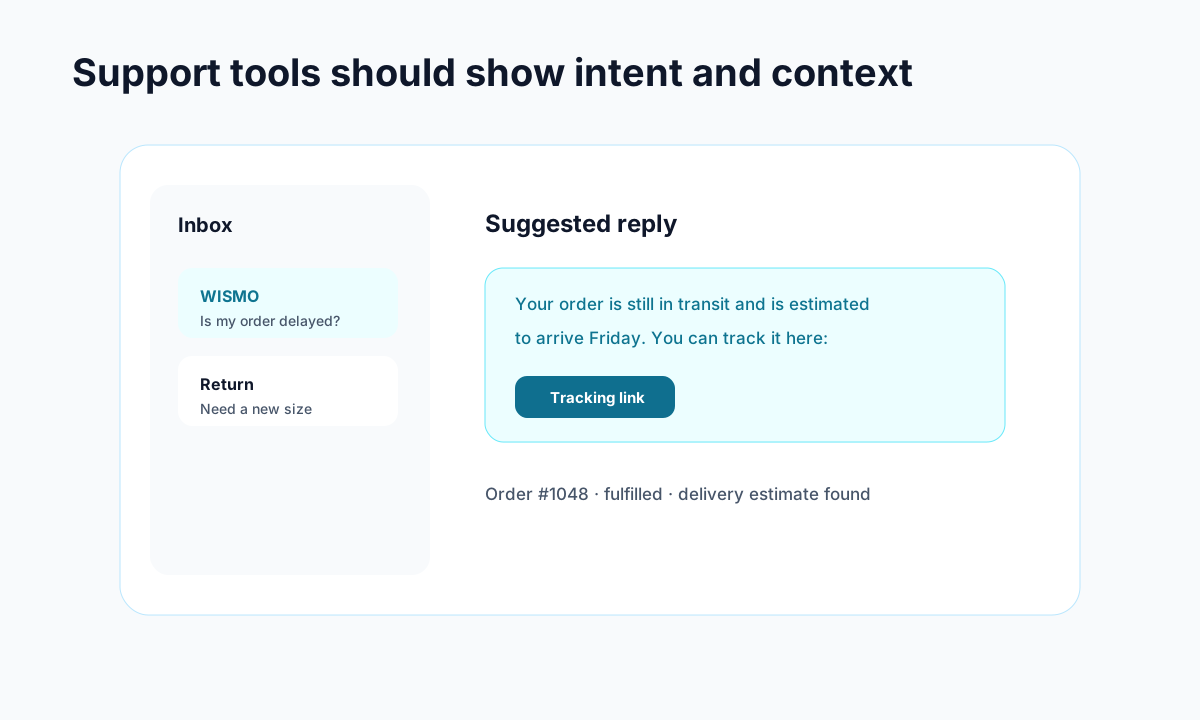
Example: support gets faster when intent, order context, and draft replies live together.
Most Shopify stores unintentionally create WISMO demand through small experience gaps:
- carrier tracking pages that are confusing
- generic shipping emails with weak next steps
- no branded tracking experience
- no AI or self-service support
- no clear return or cancellation path after checkout
That means customers reach out to support for information that should have been self-serve.
If you need a primer on the category, read what WISMO is and why it costs stores money.
The fastest ways to reduce WISMO tickets
1. Replace carrier tracking links with a branded tracking experience
<!-- trexa-section-visual:tracking -->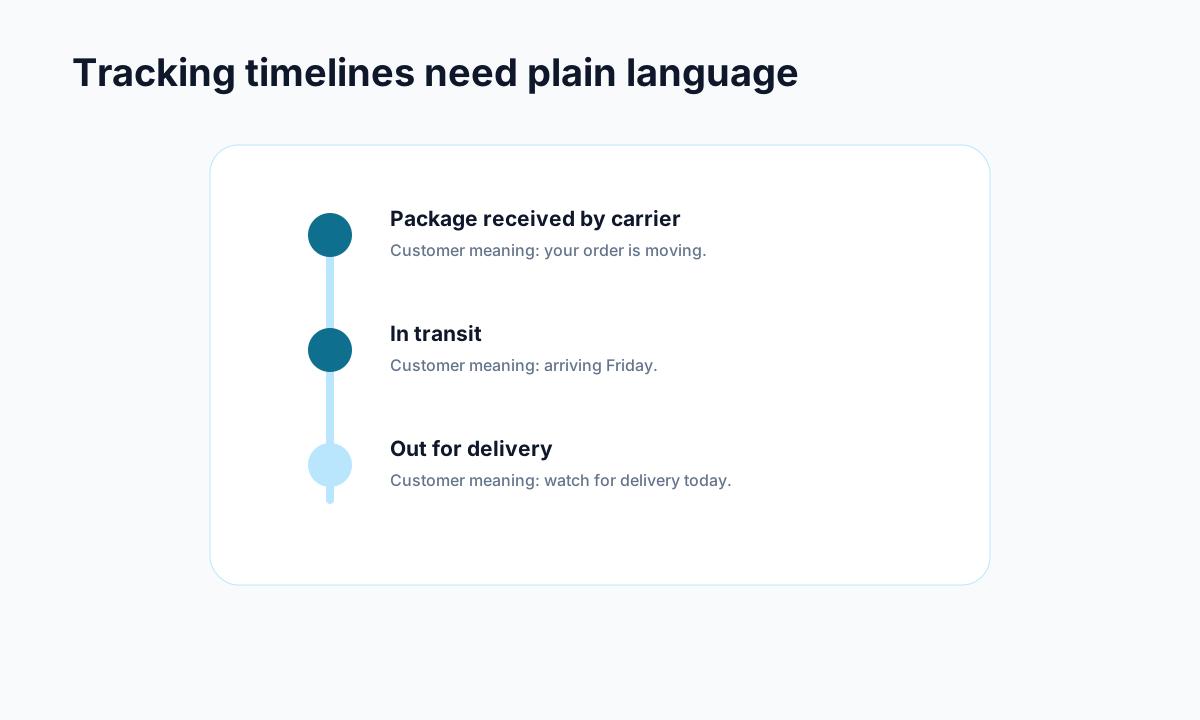
Example: carrier events become useful when they are translated into plain customer language.
Carrier pages are built for logistics, not customer clarity. They are full of status labels that do not answer the real question in the customer's head.
A branded tracking page lets you translate shipping activity into something customers actually understand. It also keeps them inside your brand instead of sending them away to a third-party carrier interface.
That alone can remove a large chunk of unnecessary tickets.
If you want the deeper reasoning, read branded tracking page vs carrier tracking page.
2. Give customers a clear self-serve place to ask questions
A lot of WISMO volume exists because customers have no easy place to ask post-purchase questions outside your inbox.
A tracking page with AI assistance changes that. Instead of emailing support, the customer can ask:
- Where is my package?
- Is this delayed?
- Can I return this?
- Can I cancel the order?
That turns the post-purchase experience into a resolution layer instead of a ticket generator.
See the Shopify AI customer support app page for the support-deflection angle.
3. Connect tracking with returns and cancellations
<!-- trexa-section-visual:returns -->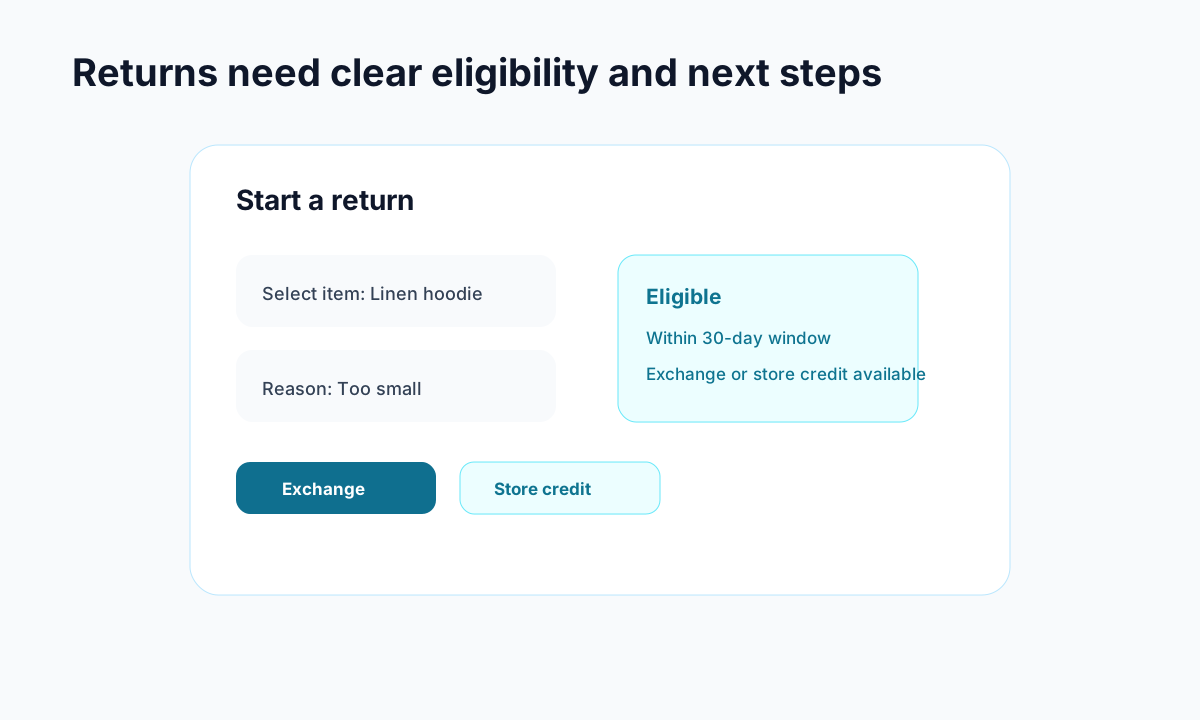
Example: a return flow should show eligibility and resolution options before a customer emails support.
Customers do not experience support problems in isolated boxes. They do not think, “now I will begin a returns workflow.” They just want the next step.
If tracking, returns, and cancellations live in separate systems, confusion goes up and tickets follow.
When those actions are connected, customers can move from “where is my order?” to the actual next step without contacting support.
Relevant pages:
4. Improve your shipping emails
WISMO reduction is not only about the tracking page. The emails matter too.
Every shipping-related email should:
- point to the branded tracking page
- set realistic expectations
- make the next step obvious
- reinforce that the customer can self-serve
A weak email creates anxiety. A good one prevents a ticket.
5. Stop treating WISMO as only a support problem
The biggest mistake is organizational. Many stores treat WISMO like a support operations issue, when it is really a post-purchase UX issue.
Support ends up carrying the cost for decisions made in:
- tracking design
- email design
- returns workflow design
- self-service design
Fix the post-purchase experience and the support burden falls naturally.
Which tools are best for reducing WISMO?
<!-- trexa-section-visual:comparison -->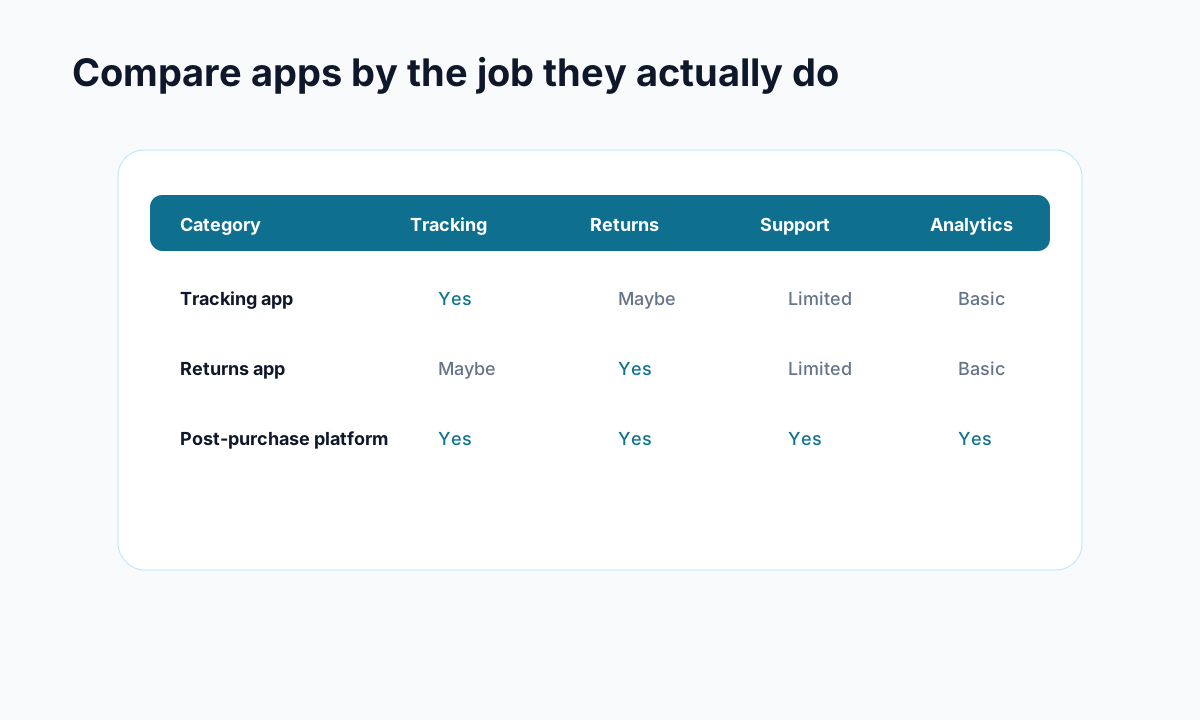
Example: compare apps by the operational jobs they cover, not by feature-page language.
If your main goal is fewer WISMO tickets, look for tools that do more than shipment visibility.
A good evaluation path is:
That gives you a better sense of whether you need a heavier helpdesk, a bigger tracking platform, or a tighter Shopify-first post-purchase system.
What actually works for most Shopify stores
For most Shopify stores, the winning combination looks like this:
- branded tracking page
- AI support for common post-purchase questions
- self-serve returns/cancellations
- better internal linking between those customer actions
That is why tools like Trexa can reduce repetitive support load much faster than trying to solve everything inside a support inbox.
Final takeaway
If you want to reduce WISMO tickets in Shopify, do not start by asking how to answer them faster. Start by asking how to make them unnecessary.
That means improving the customer's post-purchase path, not expanding the support queue.
If you want the practical next step, start here:
And if your store is ready to test the workflow directly, Trexa is built specifically for this kind of support-deflection setup on Shopify.
Ready to reduce your support tickets?
Trexa gives your Shopify store AI-powered order tracking, automated support, and self-serve returns. Start free with 10 orders/month.
Start FreeExplore related Trexa pages